Wednesday, August 18, 2010

Please Vote + a freebie + a possible coupon?

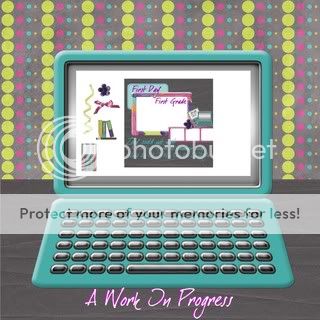
This week was a cluster challenge at Brownie Scraps. Here's a preview of Team Staples part:


You can vote over in the Brownie Scraps forum! Vote for Team Staples!! You can also pick it up for free in the Brownie Scraps gallery!

If Team Staples wins, I will give all my followers/fans a coupon!! We would love immunity!!

Tuesday, August 17, 2010

Surprise! Save 40%!

I've got a surprise coupon for you! It's good until Friday at midnight - but only at my personal store!

Save 40% on any order of $4 or more!

Just use

surprise!

when you check out right here

Sunday, August 15, 2010

"Best Days of Your Life" + Winner!

I have a brand new kit out today! It's a back to school kit - and more!


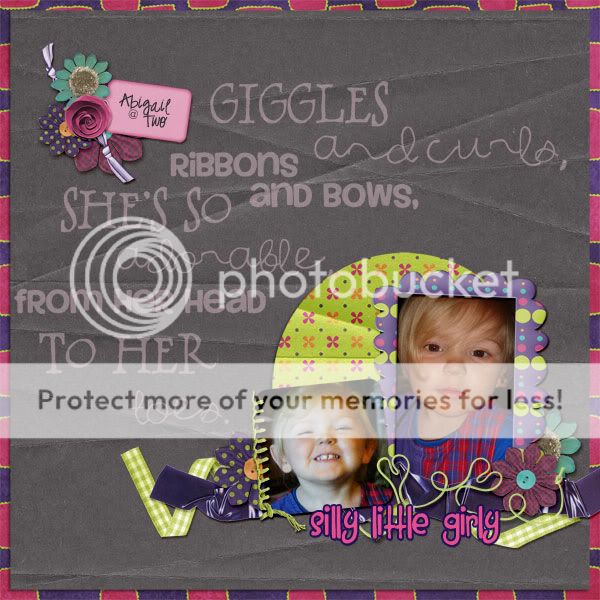
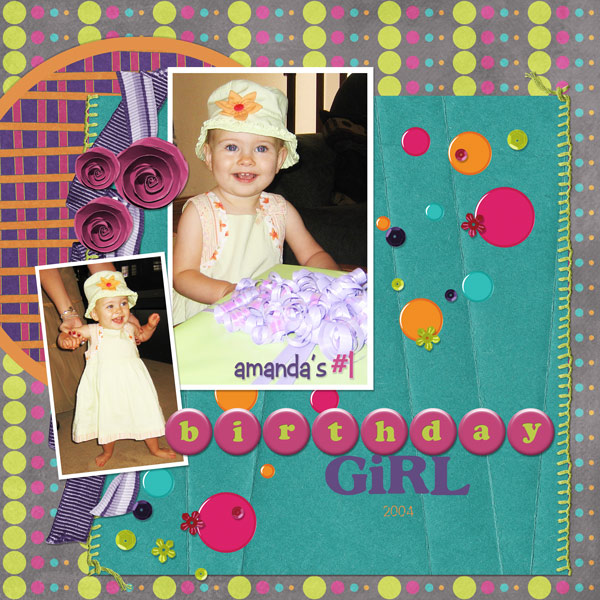
This is was inspired by the memories I have of my parents telling me that my years in high school were the best days of my life. While at the time, I disagreed, I see what they were talking about! This kit is more than just a back to school kit. There are some specific school items - but it works equally well as an "everyday" kit too!

This kit includes:

* 6 solid textured papers
* 8 patterned papers
* 3 flair alphas - all lowercase letters included
* books
* a border
* 3 bows
* a cellphone
* 5 flowers
* 4 frames
* a laptop
* a pen
* 3 ribbons
* 2 scatters
* staples
* stitching
* string
* tags
* tape ribbon
* Lots of wordy bits (21 pieces): 3 blanks, the days of the week, school-y words and more!)

This kit is S4H/S4O okay!

But best of all - it's on sale for 40% off at all my stores:

Personal Store
DSDI Store
DSM Store
3Scrapateers Store

Here's some CT Inspiration:

Amy:


Cindi:


Penny:


Deanna:


Moonfhyr:


And lastly - the winner of this kit from the blog comment entries is:


Whitney! Please email me at digitalsbooking@gmail.com for your coupon!

Saturday, August 14, 2010

$1 Mania @ Digi Scrapbook Mania!


Everything in my store is either $1 or massively on sale!!

Wednesday, August 11, 2010

Tutorial - How to create a mini kit

I've been hosting the DSDI Color Challenge for a couple of months - and one of the most common questions I'm asked is "how do I even create a mini kit?"

It's a very good question!

First of all, what goes in a mini kit. You want to be able to create a layout with what you have in a mini kit. So think about the things you'd need for a layout. Layouts always require papers - patterns and/or solids. And then there are the elements. At the minimum, most mini kit include a frame, a flower, a ribbon/bow, a brad/button (some sort of fastener). Kits (mini and otherwise) can have limitless possibilities! Here's a short list of some of the most common things I put into a kit:

- fasteners
- flowers - doodle, real, fabric, silk - with or without different centers
- fasteners - buttons, brads, staples, hooks, push-pins, etc
- ribbons - folded, straight, with stitching, curled
- bows - simple, mini, big, fabric, etc
- frames - doodled frames, extracted frames, "template" frames (using shapes in your software - like rectangles, circles)
- tags - journal spots, date tags, word tags
- swirls and scatters

Standards:
The standards for element/paper creation are:
- Papers - 12 x 12 @ 300 DPI - 3600 x 3600 papers - saved as JPEGs at either quality 8 or 10
- Elements - saved as PNGs at 300 DPI

What do I need to get started?
Software: Photoshop, Photoshop Elements, GIMP (free!), Paint, etc

Hardware: to create your own elements/papers - you'll need a good scanner and/or a camera. Make sure you scan images/elements at 300 DPI

Supplies:
You can either create your own elements - here are some good resources for element creation:

Or you can download some commercial use resources. There are some great free resource sites - but you'll have to check the terms of use (some require a separate license for commercial use - please keep in mind you cannot use S4H/S4O resources for creating a kit - you definitely need CU resources):

ScrappinCop - license required
Guinhild Storeide - credit required - no license required
Delicious Scraps - see site for TOU
CU Freebies Forum and Blog - different designers have different TOU

**First important note - most/all require that you modify the item in some way before including it in a kit - check TOU for specifics. Items can be recolored (tut on that coming tomorrow! this is where you palette selection comes into play!) or you can create element clusters, etc.

**Last important note - if you're looking to create full size (regular) digi-scrap kits - do not download Tagger size kits/resources - they'll be the wrong size for what you want!

Hope you've found this helpful! Please leave a comment if you did! I'd love to hear your feedback - and suggestions for more things you'd like to learn about!

Win "Best Days of Your Life" + a freebie!

I've got a new kit coming out on Monday - it's a back to school kit - but is incredibly versatile and can be used to everything!


To win it, just post a comment below! You can also enter to win this kit at DST and DSA!

Also, the Designer Survivor Contest continues on - and today "Team Leaves" has a sampler of some flowers for you - head on over to the gallery to download them (image is linked):

Tuesday, August 10, 2010

Free Cluster Frame + Coupon!

Hi everyone!

Here's your free cluster frame from moonfhyr:


She made it out of my "I'm All Boy" kit - you can save 25% on it by using save25 at my personal store, my DSDI store, and my DSM store :)

Hope you enjoy your freebie - download it here.